


Skip to content
OutLandishly Crafted logo: a smiling face made of the letters OLC OutLandishlyCrafted
  • Home
  • Games
  • Custom Apps
  • Guides
  • Portfolio
  • Creation Work
  • Contact
Play now
  1. Guides
  2. Unreal Engine 5
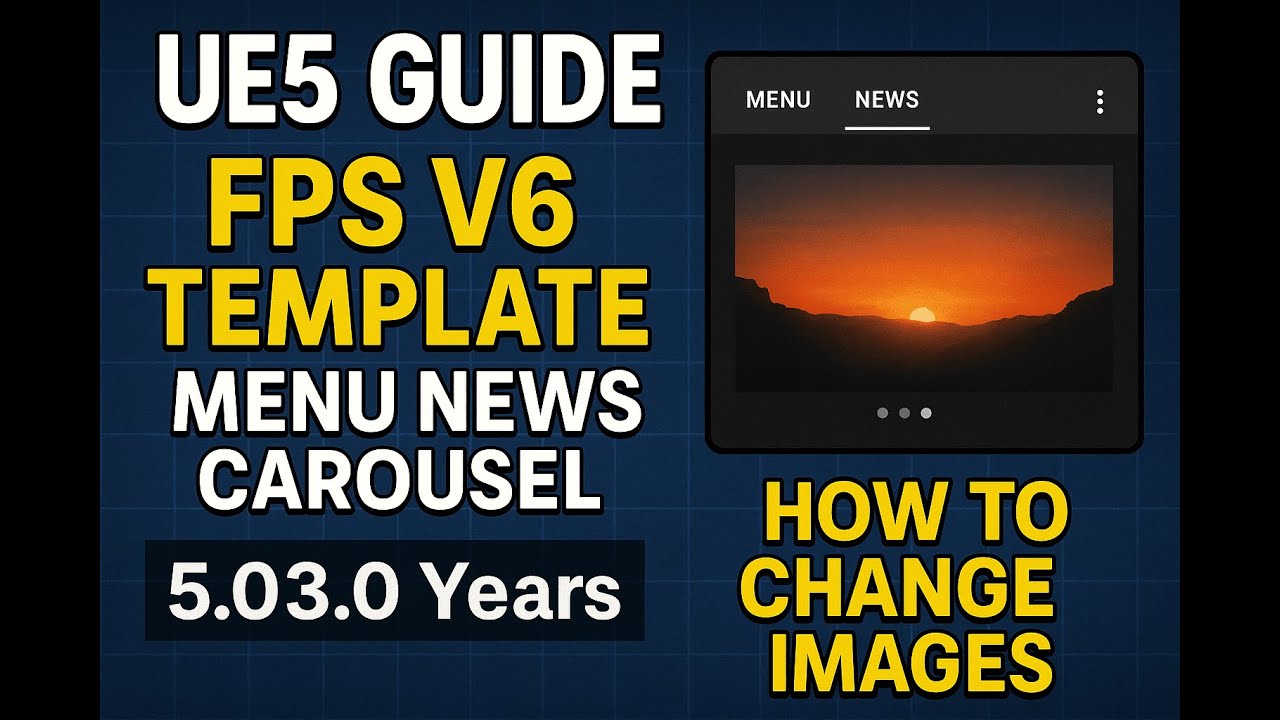
  3. UE5 FPS V6 Template - How to change News Carousel images

UE5 FPS V6 Template - How to change News Carousel images

Video: UE5 FPS V6 Template - How to change News Carousel imagesPlay video: UE5 FPS V6 Template - How to change News Carousel images
Subject
Unreal Engine 5
Format
Guide
Length
1:41
Date
Jun 19, 2025
Visit YouTube Channel

Tags

  • Unreal Engine 5

Related guides

More in Unreal Engine 5
20:12

Unreal Engine 5

UE5 How to easily manually add skeleton mesh to any static mesh with animations OUT BLENDER / others

Guide20:12Apr 13, 2025

3:45

Unreal Engine 5

(UE5) Hummingbird Hero Dev Progress Feeders
Prototype3:45Jun 4, 2025

50:54

Unreal Engine 5

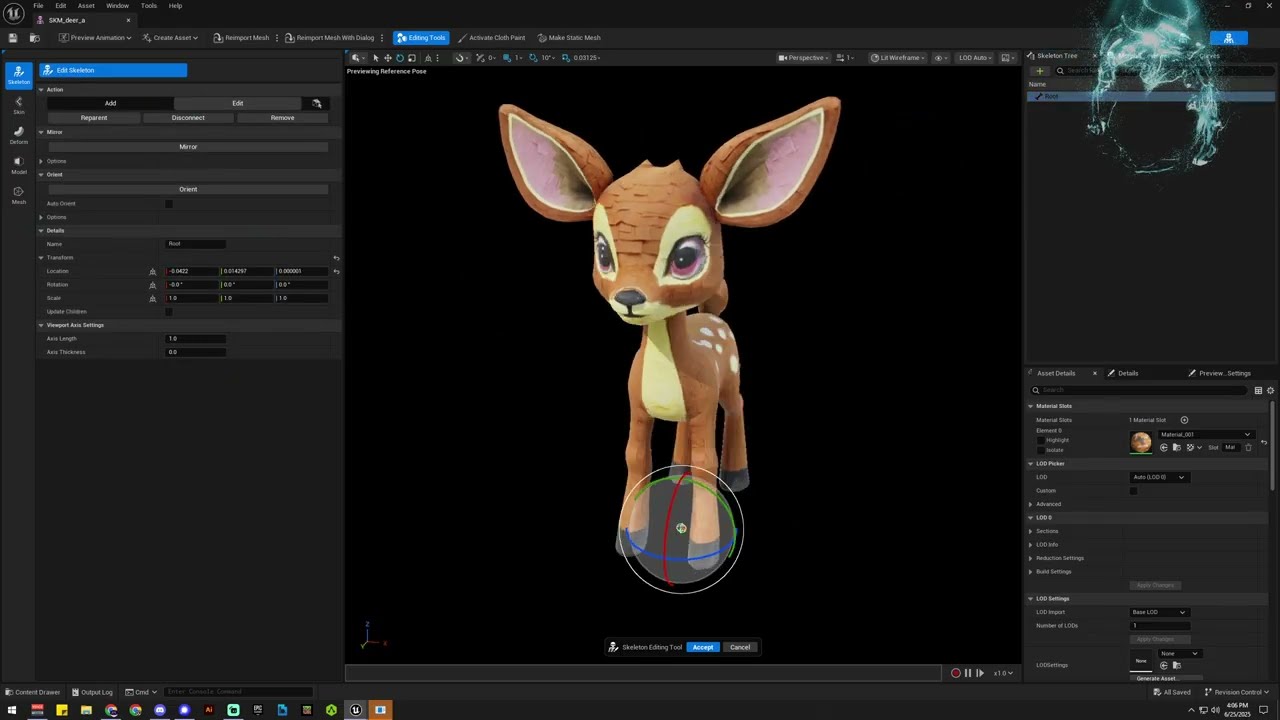
UE5 - Meshy 3D Model - In UE5 Add Bones, Rig, Skin, Paints, Animation - Real-time

Watch Me50:54Jun 26, 2025

2:02

Unreal Engine 5

OLC HummingBirds - Dev Progress

Prototype2:02May 25, 2025

1:43

Unreal Engine 5

2 Week Game Jam - Frontier Porch Hero - UE5 Progress

Prototype1:43Jul 8, 2025

0:18

Unreal Engine 5

USAID Approvals Department Indie Game Coming Soon to Steam Intro - Short Chill ASMR LOFI Style Games

Showcase0:18May 23, 2025

OutLandishly Crafted logoOutLandishlyCrafted

A game and creation studio run by CyberAxe.

CyberAxe@OutLandishlyCrafted.com

Studio

  • Games
  • Custom Apps
  • Guides
  • Portfolio
  • Creation Work
  • Contact

Help

  • How to Support
  • How to Get Support
  • AI Usage
  • Privacy Policy
  • Read It To Me

Channels

  • YouTube
  • X
  • Discord
  • Steam
  • itch.io
  • GitHub

© 2026 OutLandishly Crafted

AI UsagePrivacy Policy